



Explore examples of all available content templates to help you choose the right layout and components for your page.
If you need assistance with configuring templates on your web page, please email the CMEI Digital Team.
JUMP TO: Basic | Collections | Tabs & Accordions | Advanced
Basic
Content
The Content template should be used for paragraphs of text, bulleted lists, and tables. A full editing toolbar allows for formatting text and adding hyperlinks.
| Header | Header | Header |
|---|---|---|
| Content | Content | Content |
Media
Media templates can be used for full width images, videos, interactive elements, and document files. Images must be a minimum of 1,350 pixels wide. Image height is flexible.

Two Column Media and Text

This template displays text in one column and media in the other column. Under Settings, the text and media can be switched to either right or left column.
Media options include Image, Interactive, Map, Video, Audio, Document, GIF, or Timeline.
Under Settings, there are options to adjust the width of each column:
- 50/50
- 63/33
- 75/25
- 33/66
- 25/75.
Collections
2 Column Gallery
This template provides 2-column rows displaying a content node's thumbnail image. The content's title displays when hovering over the image. The listing can be dynamic or static.


3 Column Gallery
This template provides 3-column rows displaying a content node's thumbnail image. The content's title displays when hovering over the image. The listing can be dynamic or static.
2 Column Title Links
This template provides 2-column rows displaying the page title and a link icon. The listing can be dynamic or static. Dynamic listings will display a maximum of 8 items with a View More button beneath taking users to a full listing page.
2 Column Title Links + Buttons (2x2)
This template provides 2-column rows displaying the page title and a Learn More button link. The listing can be dynamic or static. Dynamic listings will display a maximum of 4 items with a View More button beneath taking users to a full listing page.
2 Column Title Links + Dates
This template provides 2-column rows displaying the page title and published date. The listing can be dynamic or static. Dynamic listings will display a maximum of 4 items with a View More button beneath taking users to a full listing page.
2 Column Title Links + Icons
This template provides 2-column rows displaying the page title and an icon. The listing can be dynamic or static. Dynamic listings will display a maximum of 4 items with a View More button beneath taking users to a full listing page.
3 Column Card + Icon
This template provides a row of 3 cards displaying the page title, an icon, and a Learn More button link. The listing can be dynamic or static. Dynamic listings will display a maximum of 3 items with a View More button beneath taking users to a full listing page.
3 Column Media + Tags
This template provides a row of 3 cards displaying the page title, a thumbnail image, and a topic tag if one has been assigned in that specific page's metadata. The listing can be dynamic or static. Dynamic listings will display a maximum of 3 items with a View More button beneath taking users to a full listing page.
3 Column Title Links
This template provides a row of 3 cards displaying the page title. The listing can be dynamic or static. Dynamic listings will display a maximum of 12 items with a View More button beneath taking users to a full listing page.
4 Column Card with Media
This template provides a row of 4 cards displaying the page title, a thumbnail image, summary teaser, and a Learn More button link. The listing can be dynamic or static. Dynamic listings will display a maximum of 4 items with a View More button beneath taking users to a full listing page.
-
 The DOE Critical Minerals & Materials Program coordinates RD&D into strategic resources across DOE.October 6, 2026
 -
 SI brings enormous potential for the nation’s economic prosperity and national security.October 8, 2026
 -
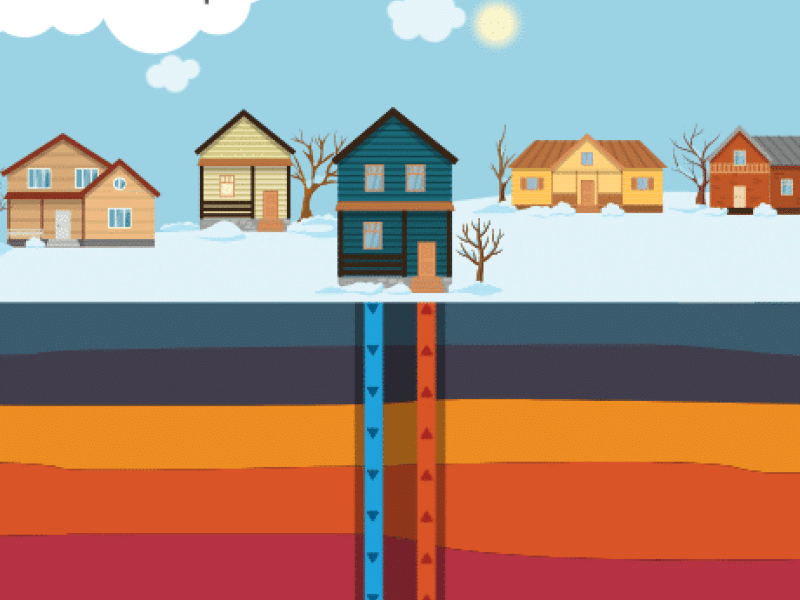
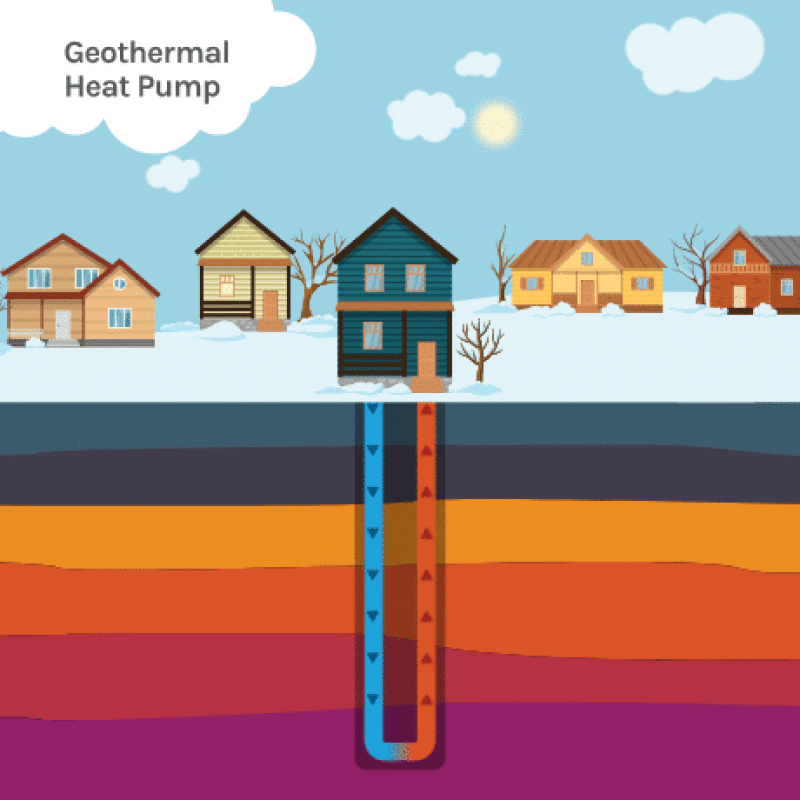 Learn what geothermal heat pumps (GHPs), or ground-source heat pumps (GHSPs), are and where they can be used.July 15, 2026
 -
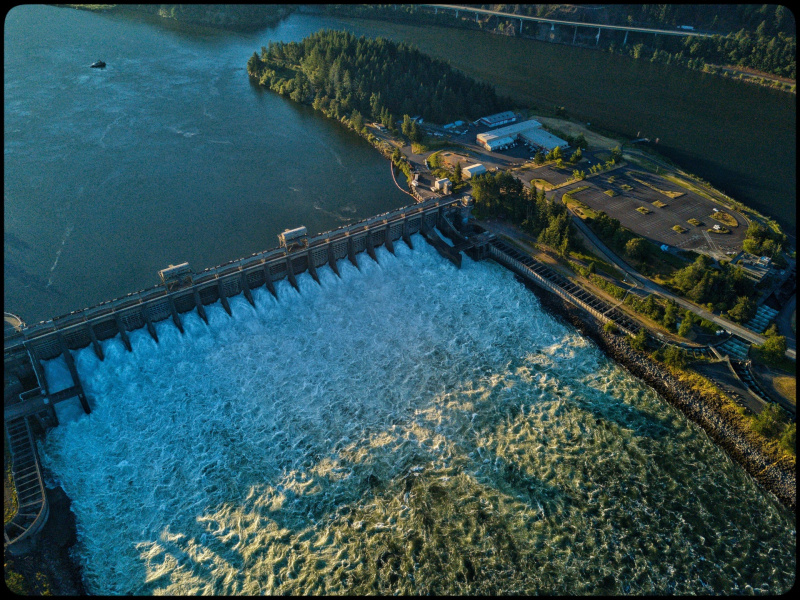
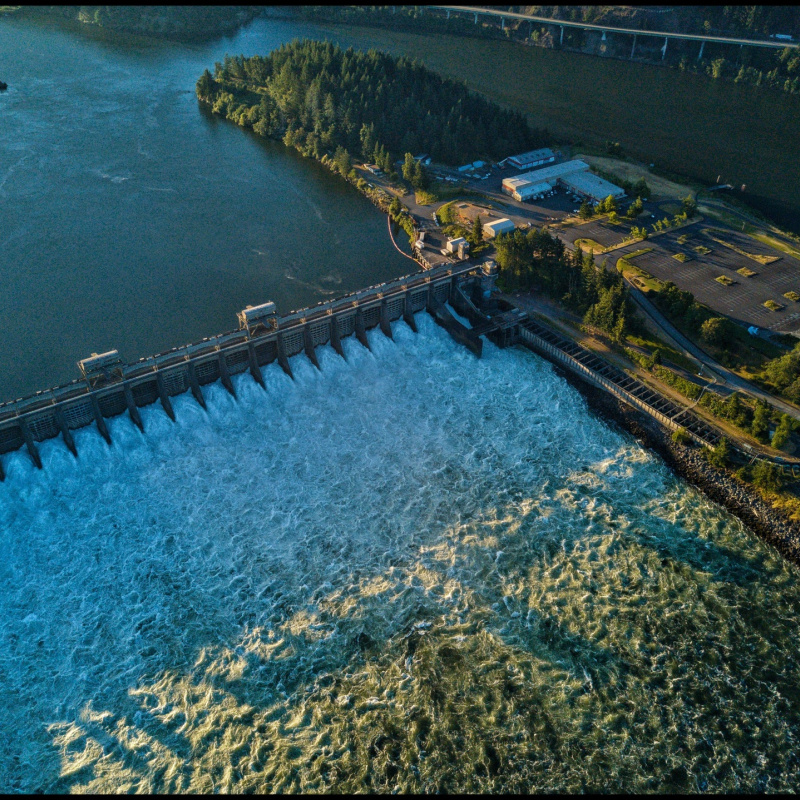 Hydropower, or hydroelectric power, is one of the oldest and largest sources of renewable energy, which uses the natural flow of moving water to generate electricity.September 2, 2026
4 Column Contact Cards
This template provides a row of 4 cards displaying an employee's name, headshot, and title. The listing can be dynamic or static. Dynamic listings will display a maximum of 4 items with a View More button beneath taking users to a full listing page.




Full Image Card Block (2x4)
This template provides a row of 4 cards displaying the page title, a thumbnail image, and a summary teaser. The listing can be dynamic or static. Dynamic listings will display a maximum of 8 items with a View More button beneath taking users to a full listing page.
-
 The DOE Critical Minerals & Materials Program coordinates RD&D into strategic resources across DOE.October 6, 2026
 -
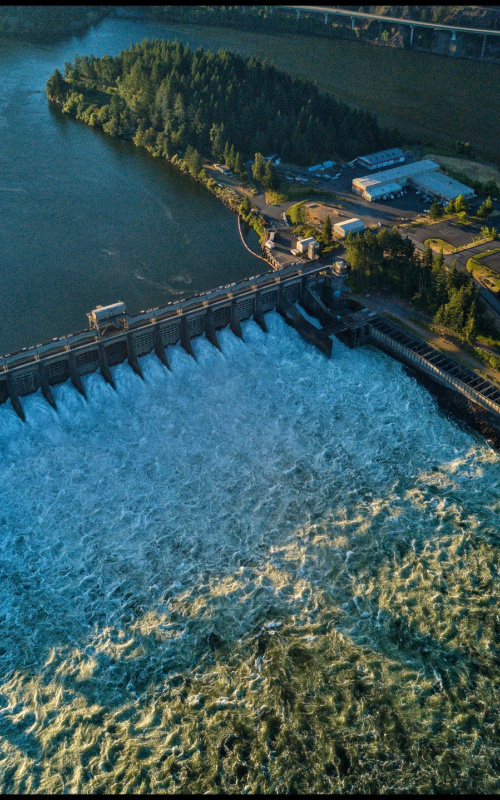 Hydropower, or hydroelectric power, is one of the oldest and largest sources of renewable energy, which uses the natural flow of moving water to generate electricity.September 2, 2026
 -
 SI brings enormous potential for the nation’s economic prosperity and national security.October 8, 2026
 -
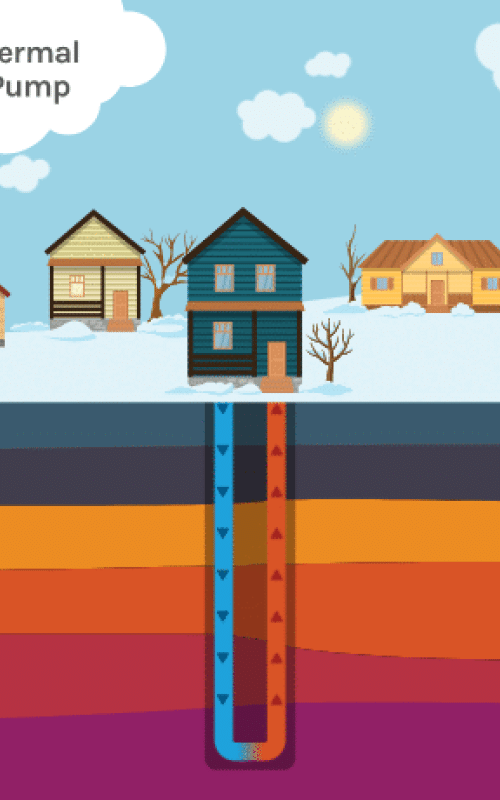 Learn what geothermal heat pumps (GHPs), or ground-source heat pumps (GHSPs), are and where they can be used.July 15, 2026
Spotlight
This template provides a 4-card layout. The larger "spotlight" card displays a thumbnail image, the page title, the published date, and a topic tag if one has been assigned in that specific page's metadata. The 3 smaller cards display the page title, the published date, and a topic tag if one has been assigned in that specific page's metadata. The content in the first field will display as the larger card within the block.
The listing can be dynamic or static. Dynamic listings will display a maximum of 4 items with a View More button beneath taking users to a full listing page.
Upcoming Events
This template provides 2-column rows displaying the event date, the event title, start/end times, and a link to the Event Details page. The listing can be dynamic or static. Dynamic listings will display a maximum of 4 items with a View More button beneath taking users to a full listing page.
-
Sep 25Advancing U.S. Solar Innovation in Aerospace, Defense and Remote Environments: A New High-Performance Manufacturing Method from NRELSep 25 - Sep 25 Starts September 25th, 2025 - 2:00 PM EDT View Event Details for Advancing U.S. Solar Innovation in Aerospace, Defense and Remote Environments: A New High-Performance Manufacturing Method from NREL
-
Sep 29National Lab Capabilities and Engagement Mechanisms for Critical Minerals and Materials WebinarSep 29 - Sep 29 Starts September 29th, 2025 - 12:00 PM EDT View Event Details for National Lab Capabilities and Engagement Mechanisms for Critical Minerals and Materials Webinar
Split-Column Collection
This template provides a 2-column layout for displaying one of the following collections in each column:
- Spotlight
- 2 Column Title Links + Icons
- 2 Column Title Links + Dates
- Upcoming Events.
The listing can be dynamic or static. Dynamic listings will display a maximum of 4 items with a View More button beneath taking users to a full listing page.
News
Tabs & Accordions
Basic Accordion
Accordions can include paragraphs of text, tables/tables from csv file, full-width media, 2 column text/media layouts, button groups, collections (Spotlight, 2 Column Title Links etc..), photo galleries, and process lists.
Note: Accordions/tabs cannot be nested within an Accordion template.
By default, all accordion menus are closed. Within the block's settings, "Default Open" can be assigned to open one accordion menu by default.
The "Multiselect" setting allows for multiple accordion menus to open at the same time.
Lorem ipsum dolor sit amet, consectetur adipiscing elit. Maecenas sed tempor lorem, ullamcorper rhoncus nunc. Aliquam interdum nisi imperdiet euismod rhoncus. In efficitur, ante et sodales facilisis, justo tellus placerat nisl, sed vulputate turpis justo et arcu.
Header Header Header Content Content Content 
Acquisition Planning
Project Development
Project Implementation
Performance Evaluation

Lorem ipsum dolor sit amet, consectetur adipiscing elit. Maecenas sed tempor lorem, ullamcorper rhoncus nunc. Aliquam interdum nisi imperdiet euismod rhoncus. In efficitur, ante et sodales facilisis, justo tellus placerat nisl, sed vulputate turpis justo et arcu. Sed in purus interdum, accumsan enim eu, faucibus enim. Maecenas vel hendrerit dui.
Basic Tabs
Tabs can include paragraphs of text, tables/tables from csv file, full-width media, 2 column text/media layouts, button groups, collections (Spotlight, 2 Column Title Links etc..), photo galleries, and process lists.
Note: Accordions/tabs cannot be nested within a Tabs template.
Lorem ipsum dolor sit amet, consectetur adipiscing elit. Maecenas sed tempor lorem, ullamcorper rhoncus nunc. Aliquam interdum nisi imperdiet euismod rhoncus. In efficitur, ante et sodales facilisis, justo tellus placerat nisl, sed vulputate turpis justo et arcu. Sed in purus interdum, accumsan enim eu, faucibus enim. Maecenas vel hendrerit dui.
Lorem ipsum dolor sit amet, consectetur adipiscing elit. Maecenas sed tempor lorem, ullamcorper rhoncus nunc. Aliquam interdum nisi imperdiet euismod rhoncus. In efficitur, ante et sodales facilisis, justo tellus placerat nisl, sed vulputate turpis justo et arcu. Sed in purus interdum, accumsan enim eu, faucibus enim.
Header Header Header Content Content Content Acquisition Planning
Project Development
Project Implementation
Performance Review
Two Column Media and Text Accordion
This template displays text in one column and media in the other column. Under Settings, the text and media can be switched to either right or left column.

Media options include Image, Video, or Person.
Under Settings, there are options to adjust the width of each column:
- 50/50
- 63/33
- 75/25
- 33/66
- 25/75.
Two Column Media and Text Tab
This template displays text in one column and media in the other column. There are separate templates for Two Column Media and Text Tab (Media Left) and Two Column Media and Text Tab (Media Right).
Media options include Image, Video, or Person.
Under Settings, there are options to adjust the width of each column:
- 50/50
- 63/33
- 75/25
- 33/66
- 25/75.
Advanced
Two Column Dynamic Layout
This template offers a large variety of 2-column layout options, allowing for more flexible page layouts. Any template can be added to the right or left column. Multiple templates can be added to each column, with the ability to change the ordering or stacking display within each column.
There is a dropdown to easily toggle content between left or right column.
There are options to adjust the width of each column: 50/50, 63/33, 75/25, 33/66, 25/75.
Lorem ipsum dolor sit amet, consectetur adipiscing elit. Sed ornare, elit sit amet aliquam rutrum, est orci consectetur magna, eget imperdiet erat massa eget lectus. Nam consequat laoreet justo, vel facilisis diam suscipit eget. Ut vehicula suscipit erat in gravida. Aliquam ut scelerisque turpis.

Lorem ipsum dolor sit amet, consectetur adipiscing elit. Sed ornare, elit sit amet aliquam rutrum, est orci consectetur magna, eget imperdiet erat massa eget lectus. Nam consequat laoreet justo, vel facilisis diam suscipit eget. Ut vehicula suscipit erat in gravida. Aliquam ut scelerisque turpis. Pellentesque feugiat turpis nunc, ut maximus neque elementum nec. Ut ut sollicitudin ligula, sit amet pellentesque est. Nam in magna at leo porta pretium at et lacus.
Lorem ipsum dolor sit amet, consectetur adipiscing elit. Sed ornare, elit sit amet aliquam rutrum, est orci consectetur magna, eget imperdiet erat massa eget lectus. Nam consequat laoreet justo, vel facilisis diam suscipit eget. Ut vehicula suscipit erat in gravida. Aliquam ut scelerisque turpis. Pellentesque feugiat turpis nunc, ut maximus neque elementum nec. Ut ut sollicitudin ligula, sit amet pellentesque est. Nam in magna at leo porta pretium at et lacus.
-
 The funded projects will advance American high-performance computing innovation.
Button Group
This template allows for the use of a button link if a more prominent call-to-action is desired. If more than one button link is needed, the template provides the option of a horizontal or vertical display of the links. There are several button colors and the option of including an arrow icon on the button.
Newsletter
This template provides a subscription form for email signups.
Get a digest of the top energy innovation news, tips, events, and information from DOE and CMEI.
Photo Gallery
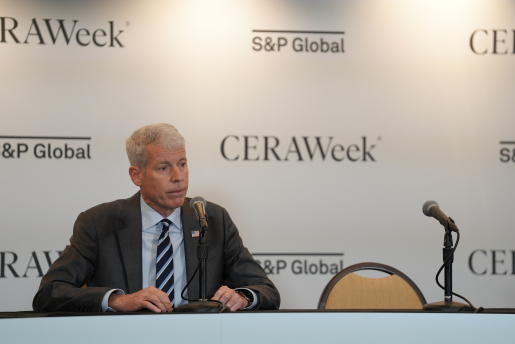
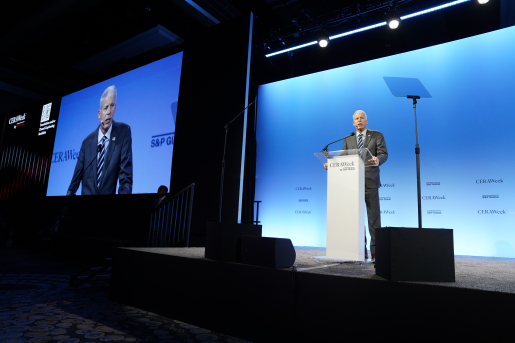
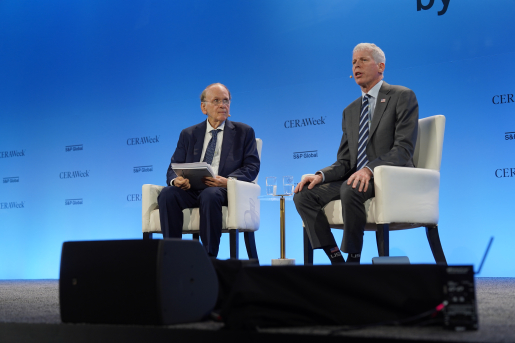
This template allows you to search the CMS and import an existing Photo Gallery content type onto the page. The gallery includes a row of thumbnail images, the full-width selected gallery image, and a caption/attribution if included in the Photo Gallery content type.
Pivot Table
This template allows you to search the CMS and import an existing Pivot Table content type onto the page.
Table from CSV
This templates allow for the upload of an Excel .csv file. There are options for a Simple Table or a Searchable/Sortable table display.
| Technology Area | NOI Title | Opening Date |
|---|---|---|
| Advanced Materials & Manufacturing | Notice of Intent to Issue: Critical Minerals and Materials Accelerator | Fall 2025 |
| Industrial Efficiency | Industrial Technology Validation Program | TBD |
| Cross-office | Accelerating Transmission System Interconnection Strategies (ATSIS) Vouchers Program | TBD |
| Cross-office | Distributed Energy Resources Interconnection Solutions Collaboratives (DERISC) | TBD |
Power BI Embed
Since this is a new template, there are no examples to share at this time. This page will be updated once the template is in use.
Process List
This template provides a more dynamic display for listing steps/phases. Descriptions for each step are optional.
-
Step 1
Optional description.
-
Step 2
Optional description.
-
Step 3
Optional description.